01SQL Editor
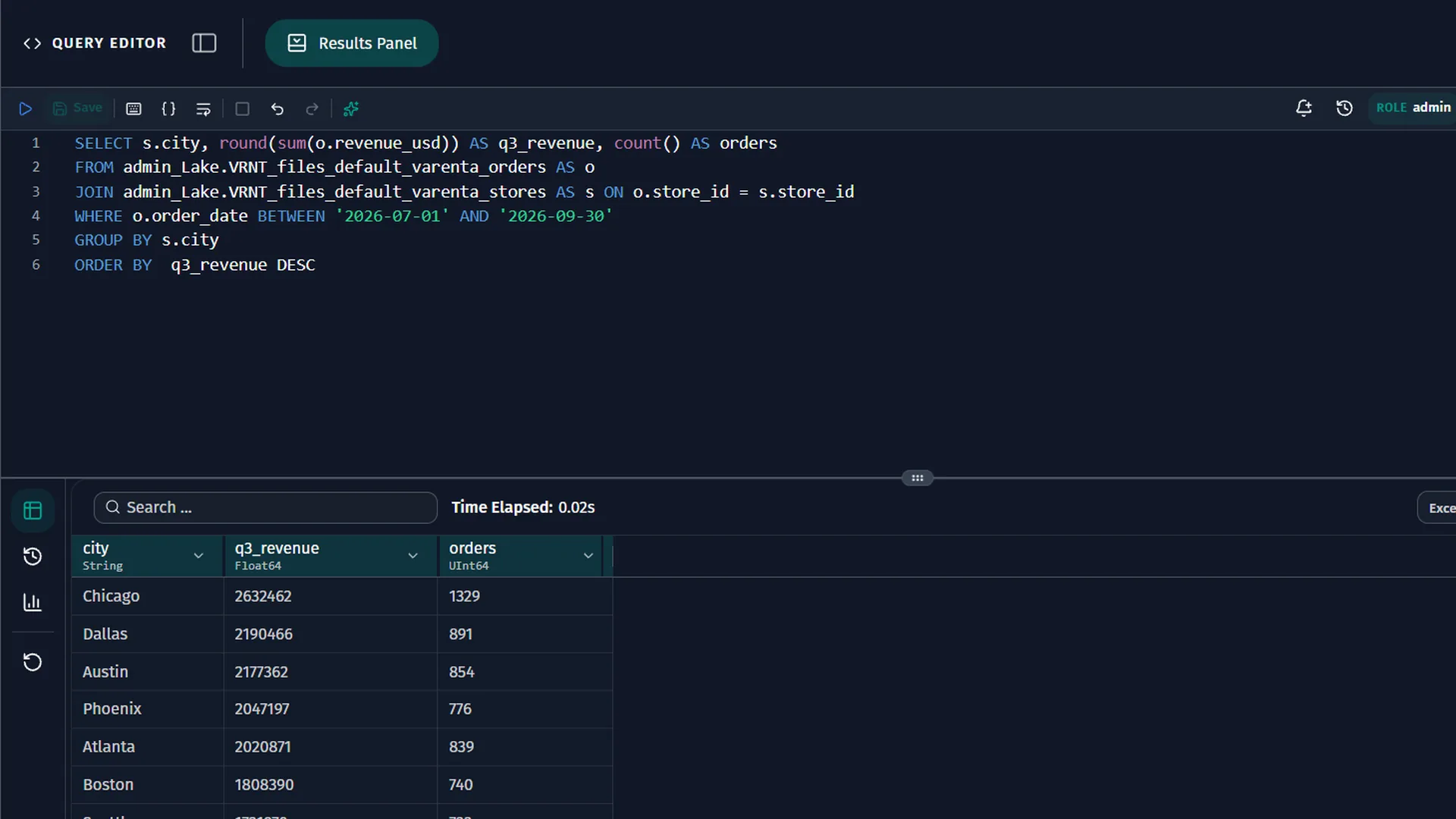
IDE-grade SQL in the browser.
Autocomplete knows the keywords, functions, tables and columns your role can see, with function docs on hover and signature help inside brackets.
Pause for a moment and the editor suggests the next part of the query as ghost text, on Kartlos Standard, using your role's schema and your last runs, errors included. Tab accepts it.
02ETL/ELT
Transformations tested on real data.
- Test runs. A test run executes the real query for a chosen date into scratch tables and shows each insert, update and delete, without touching the target table.
- A release gate. A transformation runs on schedule only after it is validated, test-run, reviewed and finalized. Its query keeps a version history you can compare.
- AI in a diff. Generate SQL with AI and Fix with AI propose changes in a diff, and nothing changes until you apply them.
03Workflows and Lineage
Pipelines that order themselves.
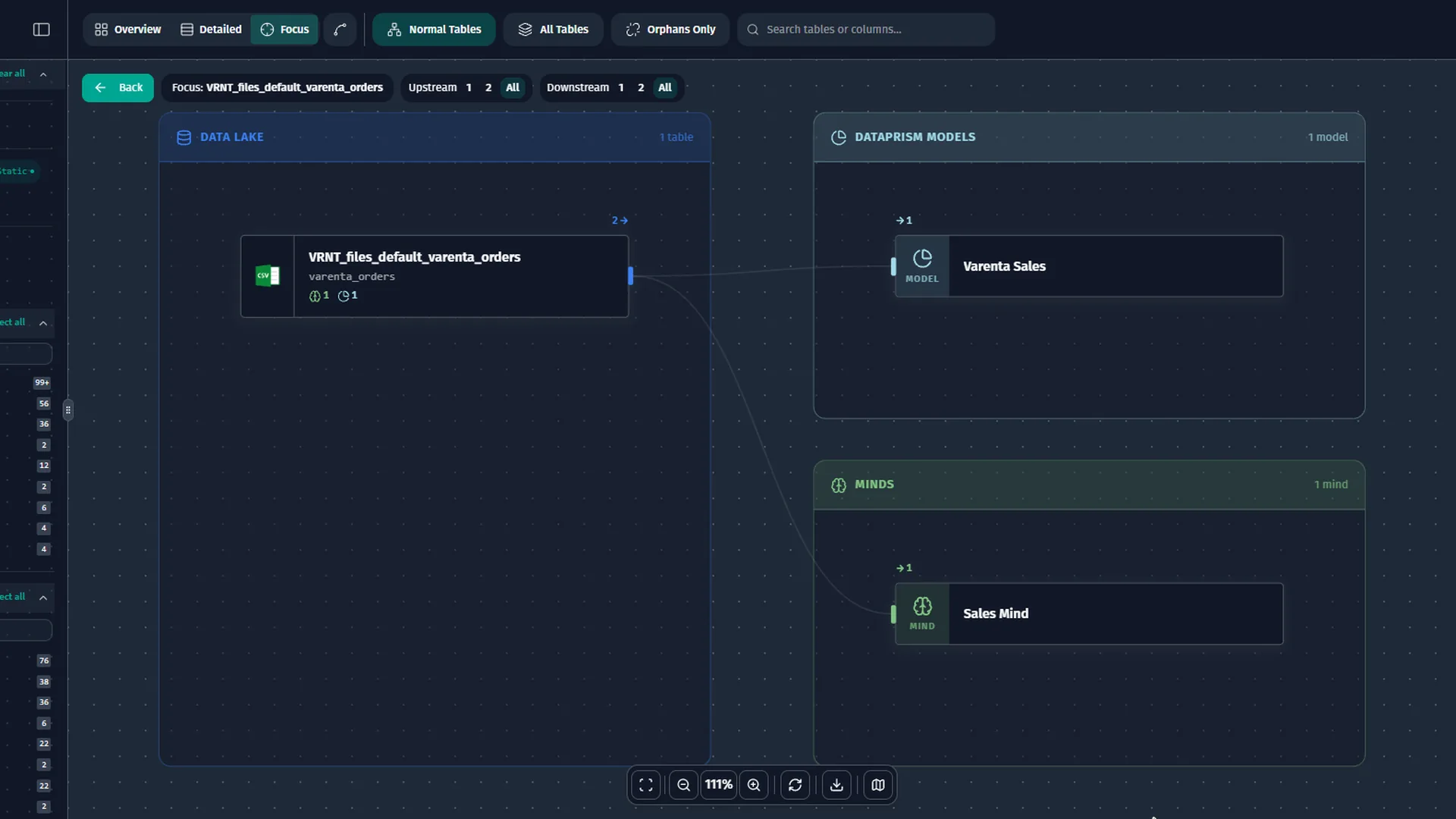
When you save a transformation or a view, DataMind asks the database which tables the query reads and records each dependency. Workflows build their run order from those records, run independent steps in parallel and refuse circular dependencies with the full cycle path.
Restarting a failed run re-executes only the steps that did not finish. Lineage draws sources, lake, warehouse, models, Minds and decks from the same recorded dependencies.
04Connect Anything
Any API, and connectors written by AI.
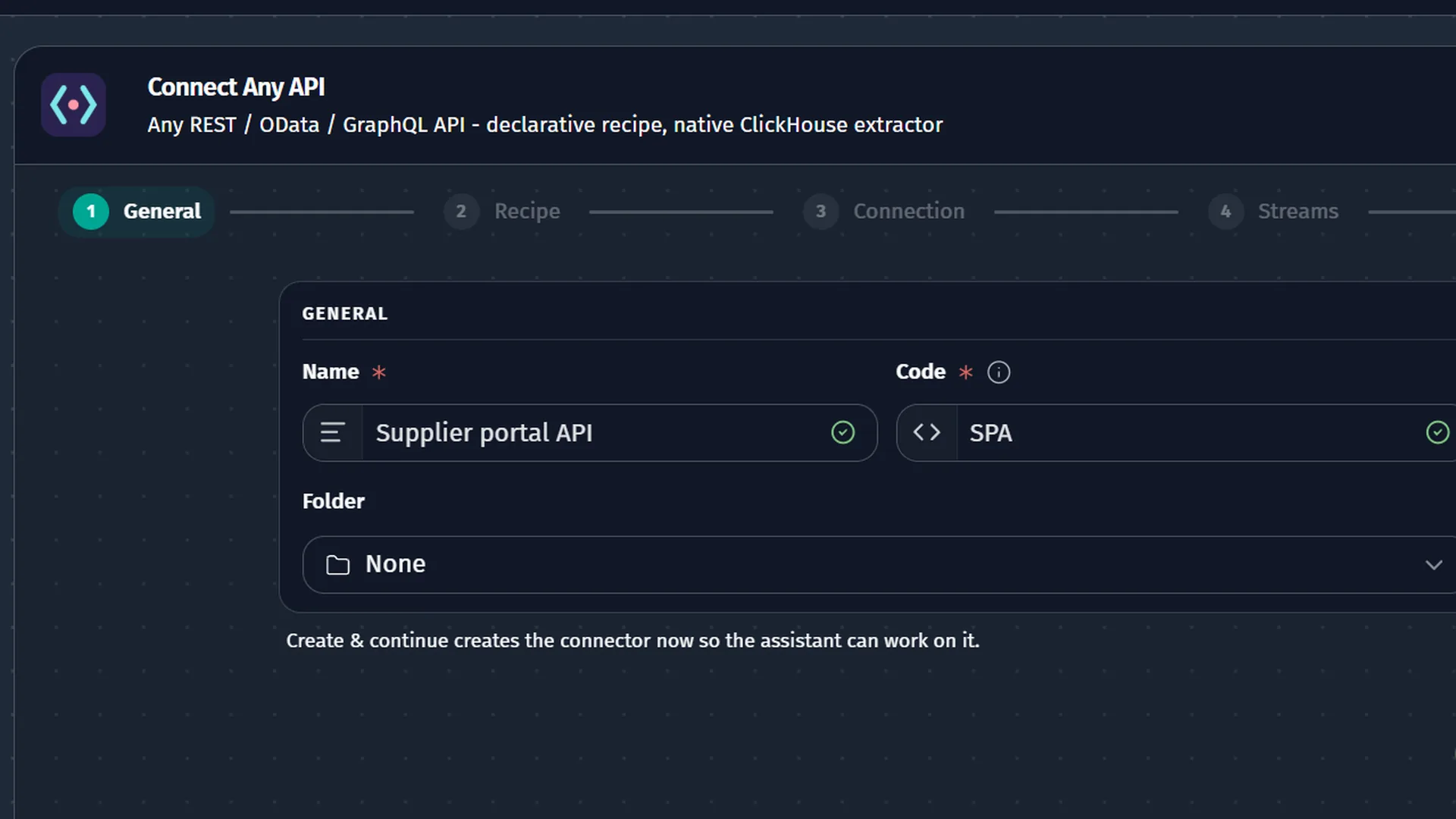
Connect Any API builds a connector for REST, OData or GraphQL APIs: describe the API to the assistant, which reads your docs and calls the real endpoints, or paste a manifest.
For everything else, Connect Anything opens a code editor with a connector agent that calls the real API, writes the connector, tests it and keeps its secrets in a write-only vault.
05Oda and operations
Your editor. Your servers.
- Oda in your editor. DataMind's coding agent works inside your code editor on Windows, with chat, optional inline and next-edit suggestions, and change-by-change review.
- Linux, in containers. DataMind OS runs in containers on a Linux server you control, physical or virtual, in any cloud account or data center.
- An Installer in the browser. The browser-based Installer sets up the stack in about 20 minutes, sizes memory for the host and shows live logs.
- Monthly updates. New releases ship every month and are applied from the browser, in Admin > Platform or in the Installer, for the whole stack or for selected services.